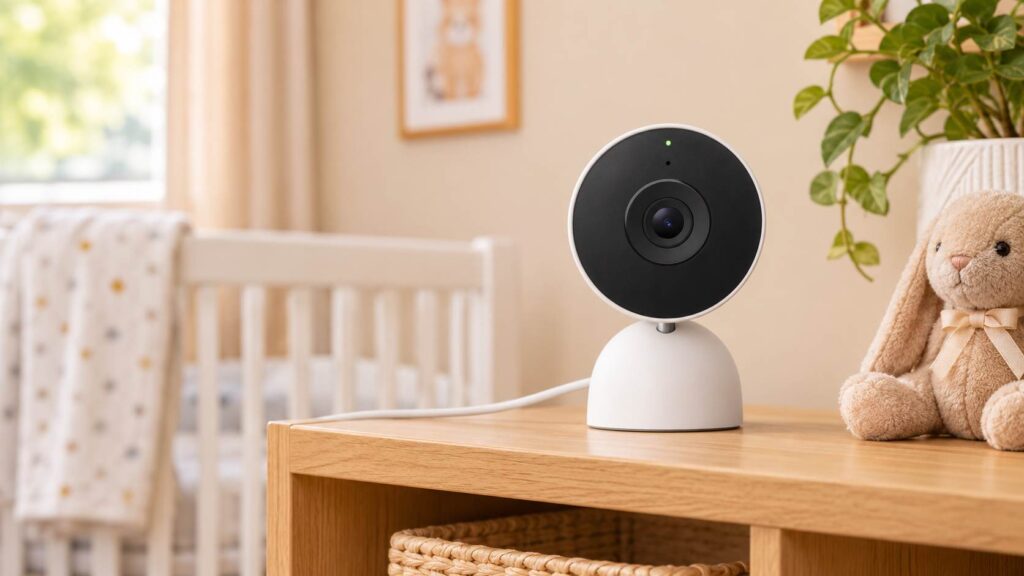
Staring at a pristine, unboxed baby monitor on the kitchen island while a Google Nest Hub already sits quietly on the counter feels familiar to many modern parents. When you are setting up a nursery and trying to streamline smart home tech, the temptation to repurpose a standard indoor security camera into a google nest baby monitor is completely understandable. Yet, trading a dedicated infant monitor for a consumer security device brings distinct engineering trade-offs. The Google Nest Cam (Indoor, Wired) delivers razor-sharp 1080p video, crisp infrared night vision, and robust cloud security. However, its software architecture is built around home defense rather than overnight infant care.
This comprehensive review explores how the wired Google Nest Cam performs inside the nursery, what limitations parents need to navigate, and whether it deserves a spot on your registry.
QUICK VERDICT
| Feature | Rating | Why? |
| Safety | ⭐⭐⭐⭐⭐ (4.5/5) | AES-128 encryption & 2FA |
| Aesthetics | ⭐⭐⭐⭐ (4.5/5) | Compact matte tabletop frame |
| Ease of Use | ⭐⭐⭐⭐ (3.5/5) | Lacks background phone audio |
| Value | ⭐⭐⭐⭐⭐ (4.5/5) | Repurposes into playroom cam |
Overall Rating: 4.0/5
The Bottom Line: The Google Nest Cam Indoor works well for daytime naps on a Nest Hub display or as a toddler playroom camera, while overnight newborn parents should pair it with a secondary audio-only unit.
Best For: Google Home households, toddler rooms, secondary daytime viewing
Not Best For: Light sleepers needing continuous background phone audio or offline local reliability
Key Features & Real-World Benefits
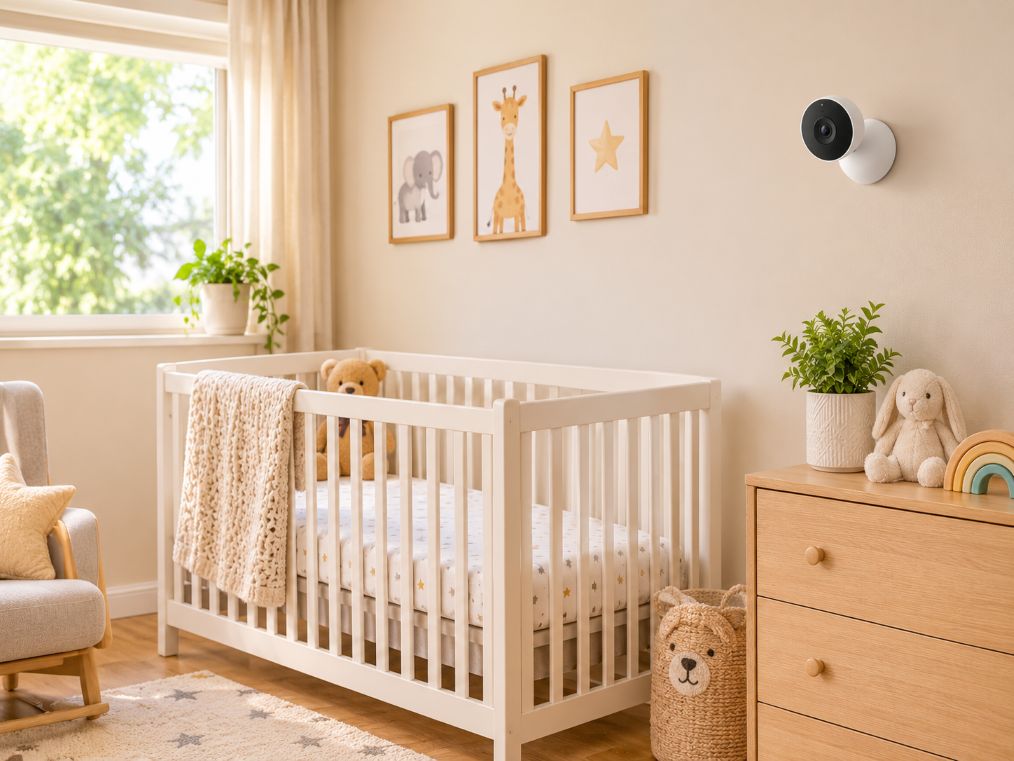
Evaluating the Google Nest Cam (Indoor, Wired) for nursery duty requires looking past its security marketing and examining how its hardware translates into daily parenting utility.
- HDR Video Sensor (Up to 2K/1080p at 30 FPS) with 130-Degree Field of View and 6x Digital Zoom: Captures the entire crib mattress and surrounding nursery floor from a high corner wall mount, allowing parents to zoom in on an infant’s eyes to verify wakefulness without stepping onto creaky floorboards.
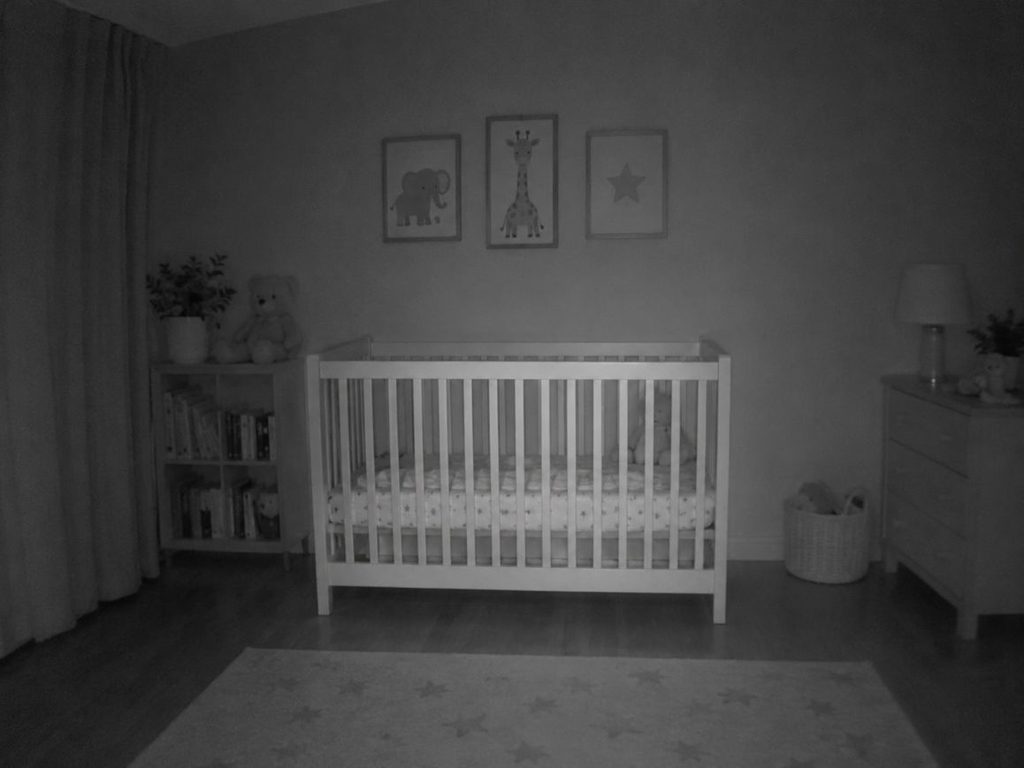
- Two 850nm High-Power Infrared LEDs with Night Vision HDR: Illuminates a pitch-black nursery up to 15 feet away with sharp contrast so parents can check swaddle position during 3 AM wake-ups.
- Full-Duplex Two-Way Audio with Noise Cancellation (Up to 110 dB Output): Transmits clear parent voice audio from the Google Home app to soothe a stirring toddler, though parents must disable the default entry chime in the settings so the tone does not startle a sleeping infant.
The “New Mom” Stress Test (Ease of Use)
Daily operation in a nursery environment reveals specific operational hurdles when using a general-purpose security camera for infant sleep:
- Mounting & Setup: The integrated tabletop stand and two-screw wall plate pair quickly with the attached 10-foot power cable and QR-code scanning inside the Google Home app.
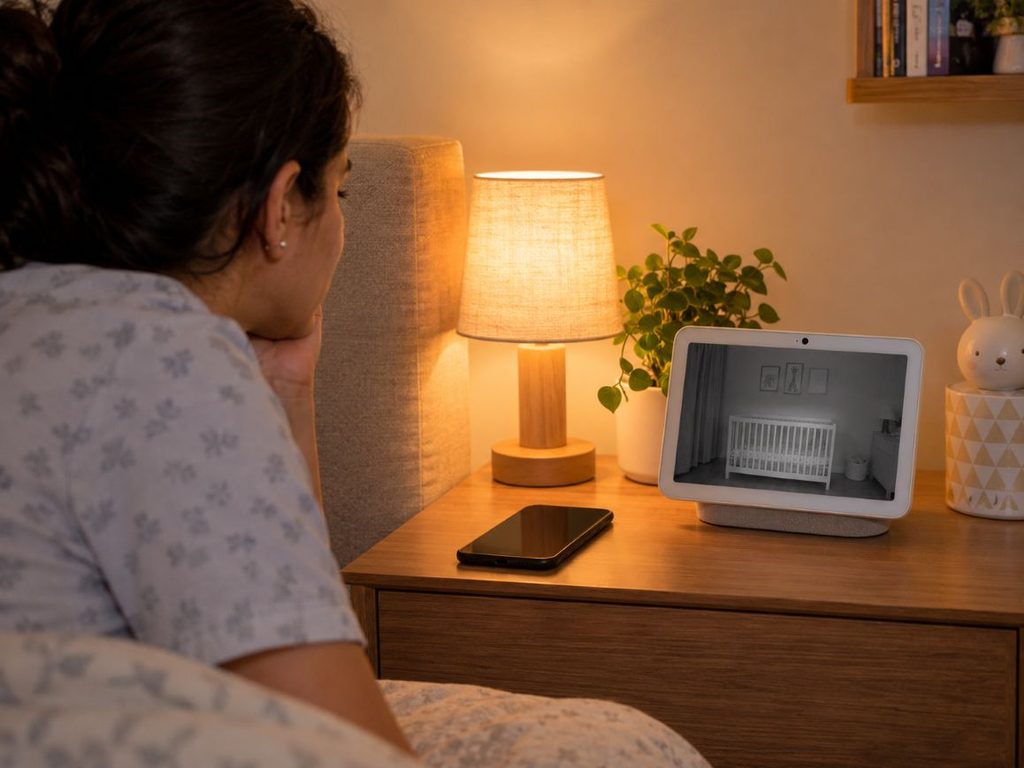
- The Overnight Audio Limitation (Crucial Caveat): The single biggest operational hurdle when repurposing a security camera for infant sleep is that the Google Home smartphone app suspends live audio when a phone screen locks. Parents must leave their phone display awake all night, stream to a bedside Google Nest Hub display, or keep a cheap DECT audio monitor on the nightstand.
- Latency, Cloud Outages & Background Noise: Expect a 1-to-2-second cloud relay delay and occasional overnight server maintenance disconnects. Without dedicated white-noise filtering, the microphone picks up continuous sound-machine hum alongside baby cries. To understand more about cloud bandwidth and router reliability, explore our breakdown of WiFi versus non-WiFi baby monitor latency and data caps.
- Cleaning & Long-Term Repurposing: The sealed matte polycarbonate casing wipes clean easily with a dry microfiber cloth and transitions smoothly into a living room, playroom, or front-entry security camera once the child graduates from a crib.
Safety & Stability Check
When placing any connected camera near an infant’s sleep space, cybersecurity and physical safety are paramount:
- Digital Cybersecurity & Encryption: Google implements on-device machine learning, secure boot architecture, automatic firmware updates, 128-bit AES encryption with TLS/SSL, and mandatory Google Account Two-Factor Authentication (2FA). For a deeper dive into network isolation and security best practices, read our 2026 WiFi baby monitor security guide. Parents who prefer air-gapped radio signals instead of cloud streams should review closed-loop non-WiFi baby monitors. Note that family permission sharing in Google Home grants access to the entire home ecosystem rather than isolating a single nursery camera for a babysitter.
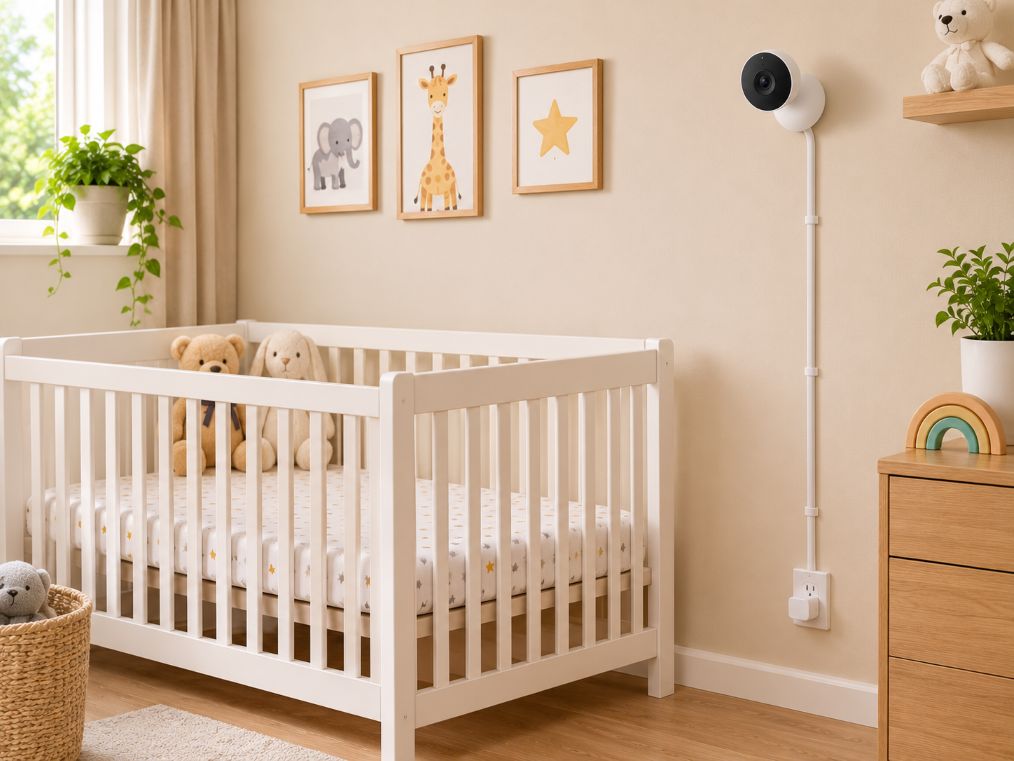
- Physical Cord Strangulation & Placement Standards: The attached 10-foot power cord carries serious strangulation risks if placed near crib rails. Mount the camera at least 3 feet away from the crib perimeter and route the cable through rigid wall conduit covers using the included cable clips.
- Missing Nursery Environmental Sensors: The hardware lacks built-in room temperature and humidity sensors, ambient nightlights, and breathing-motion tracking.
Pros & Cons
- Pros:
- Crisp 1080p/2K HDR daytime and night video
- Enterprise-grade AES-128 encryption with automatic updates
- Streams hands-free to Google Nest Hub displays
- Lower upfront cost than flagship smart monitors
- Repurposes into home security after toddlerhood
- Cons:
- No background audio when phone screen locks
- Lacks white-noise filtering and cry-specific thresholds
- Requires active internet for live viewing
- No nursery temperature or humidity sensors
- Continuous video history requires monthly subscription
How It Compares
The Google Nest Cam (Indoor, Wired) earned the “Best Smart Home Integration (Which Comes With Caveats)” spot in our 7 Best WiFi Baby Monitors of 2026: Smart Cams Tested roundup. How does it stack up against dedicated nursery competitors?
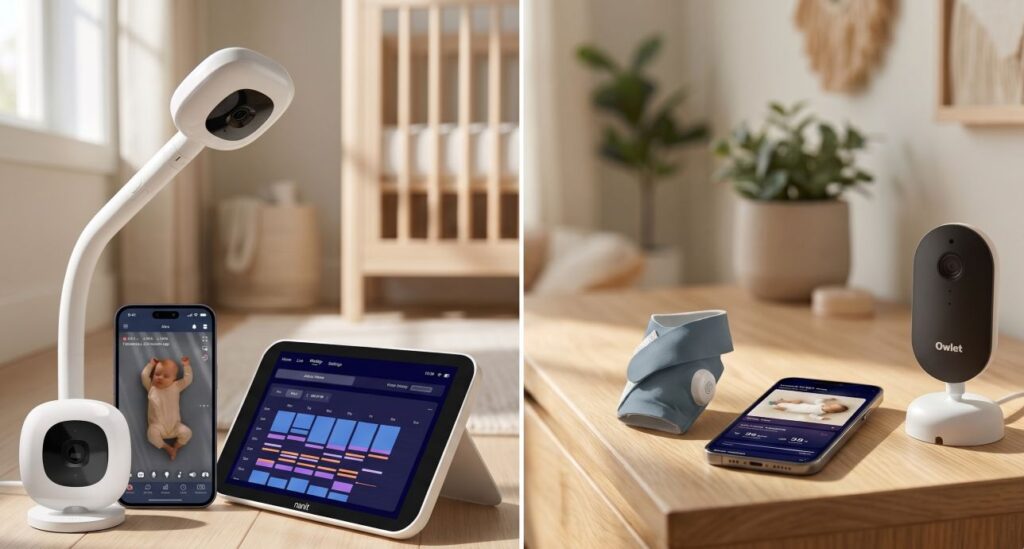
- Google Nest Cam vs. Nanit Pro Smart Baby Monitor: Nest’s general-purpose security hardware lacks the sleep metrics, sensor-free computer-vision Breathing Band tracking, ASTM-certified cord-cover floor stand, background phone audio, and temperature/humidity tracking found on the Nanit Pro. For a detailed breakdown of infant vital tracking, refer to our Nanit Pro breathing tracking analysis.
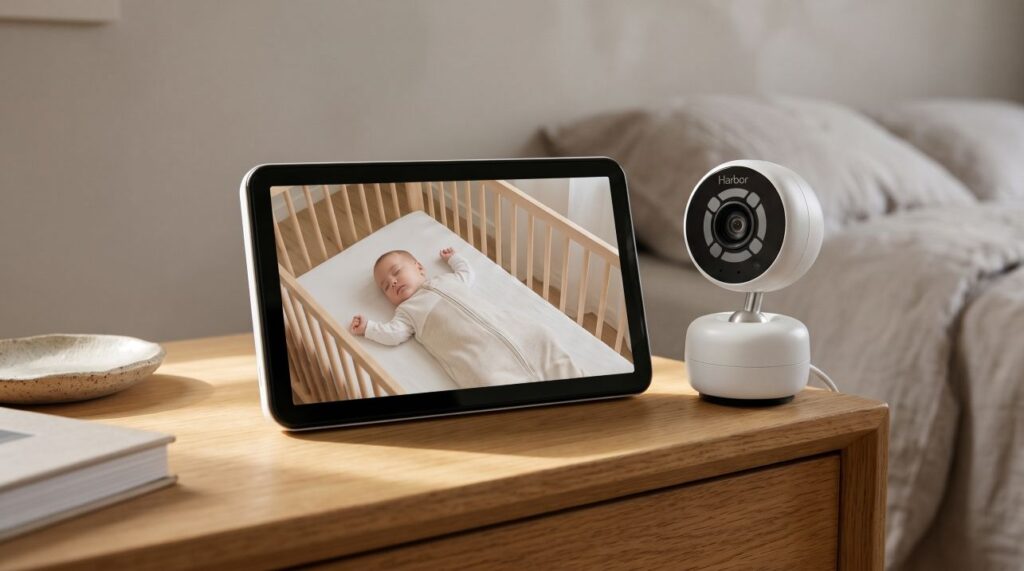
- Google Nest Cam vs. Harbor Baby Monitor: Nest relies entirely on cloud connectivity and suffers from smartphone screen lock limitations. In contrast, the Harbor Baby Monitor features a dual-link hybrid architecture, a dedicated 10-inch local parent screen that survives internet outages, Smart Audio thresholds, and time-bounded caregiver guest access. Read our full Harbor Baby Monitor review for complete test results.
Who Should Buy This (And Who Should Skip)
Buy This If: You already own Google Nest Hub displays around your home, want a secondary camera for a toddler playroom or bedroom, or are operating on a budget and plan to pair the camera with a $30 audio-only RF receiver for overnight listening. For readers who need a dedicated, purpose-built infant monitor, explore our complete Best Baby Monitors of 2026 buying guide.
Skip This If: You are a first-time newborn parent who relies on a smartphone as your sole bedside monitor, your home has spotty rural internet, or you frequently hire babysitters and require restricted single-camera guest permissions without exposing your entire smart home ecosystem.
Frequently Asked Questions
Can you listen to a Google Nest baby monitor with your phone screen off?
The Google Home app cuts audio when your phone locks, so overnight audio monitoring requires keeping your phone screen awake, streaming to a Google Nest Hub, or adding an audio-only baby monitor.
Does the Google Nest Cam Indoor work as a baby monitor without WiFi?
The Google Nest Cam Indoor requires an active WiFi and internet connection to stream live video and send activity alerts to the Google Home app.
Do you need a subscription to use a Google Nest Cam in the nursery?
Live 24/7 video streaming, two-way audio, and 3 hours of event clip previews operate free of charge, while 10 days of continuous 24/7 video recording requires a Google Home Premium subscription.
How do you turn off the two-way talk chime on a Google Nest Cam?
Open the Google Home app, navigate to the nursery camera’s Audio settings, and toggle off the microphone chime so speaking to your baby does not trigger a loud bell tone.
How far from the crib should a Google Nest Cam be mounted?
Mount the Google Nest Cam at least 3 feet away from the crib perimeter and secure the 10-foot USB power cable inside wall-mounted cord covers to eliminate strangulation hazards.
Final Verdict
The Google Nest Cam (Indoor, Wired) is a top-tier smart security camera that serves well as a secondary daytime or toddler monitor when paired with a Nest Hub, provided parents respect its overnight audio limitations.